A thumbnail is an image that viewers see on YouTube before clicking on any video. It’s a very important part of the overall packaging of a video because it decides if a viewer will watch your video or not.
Around 20 million videos get uploaded to YouTube daily, and if your video thumbnail is not clickworthy enough, then your videos might not perform well. So designing a good thumbnail is as important as making a good video.
You can create thumbnails for YouTube through Photoshop, Canva, and other photo editing and design tools. But AI is transforming every other field, and you can now make professional thumbnails by just writing a prompt.
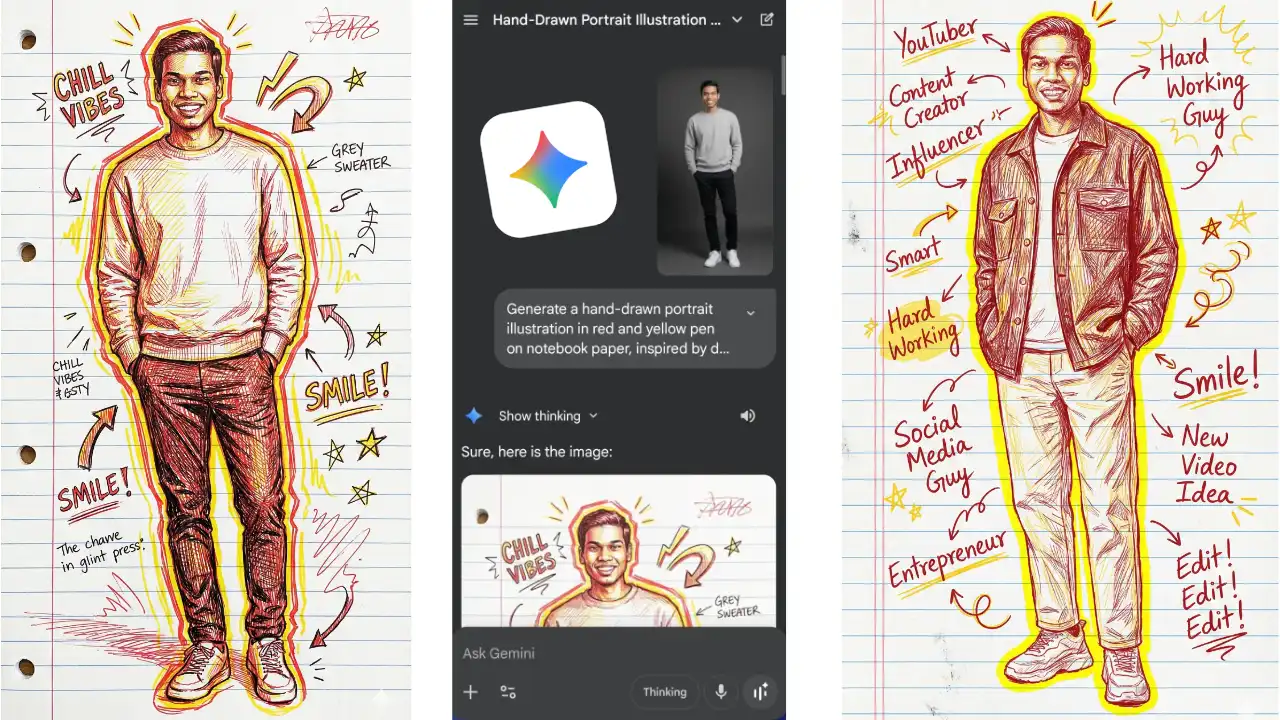
Google’s Nano Banana Pro image model is so advanced with image generation that you just need to describe how you want your image to be, and it will generate a very high-quality thumbnail.
It can be used through the Gemini app or through different AI tools like Higgsfield, where you have access to other image models also.
If you want clean, aesthetic thumbnails without making them manually, then Nano Banana Pro inside Higgsfield.ai gives you a one-click workflow. No editing, no layers. Just upload your photo, write a prompt, hit generate, and your image will be created in no time.
Free Method to Create AI Thumbnails
You can create professional YouTube thumbnails using Nano Banana Pro for free, using the Gemini app. Here’s the full process!
- Open the Gemini app or its website.
- Upload your photo in the prompt area if you want to add your image in the thumbnail.
- Type the prompt that describes how you want the image to appear.
- Must add “Create a professional YouTube thumbnail in 16:9 aspect ratio” in the prompt.
- Hit ‘Generate’, and your thumbnail image will be created in a few seconds.
Some prompts are given below that you can copy and paste to create your thumbnails.
Premium Method using Higgsfield
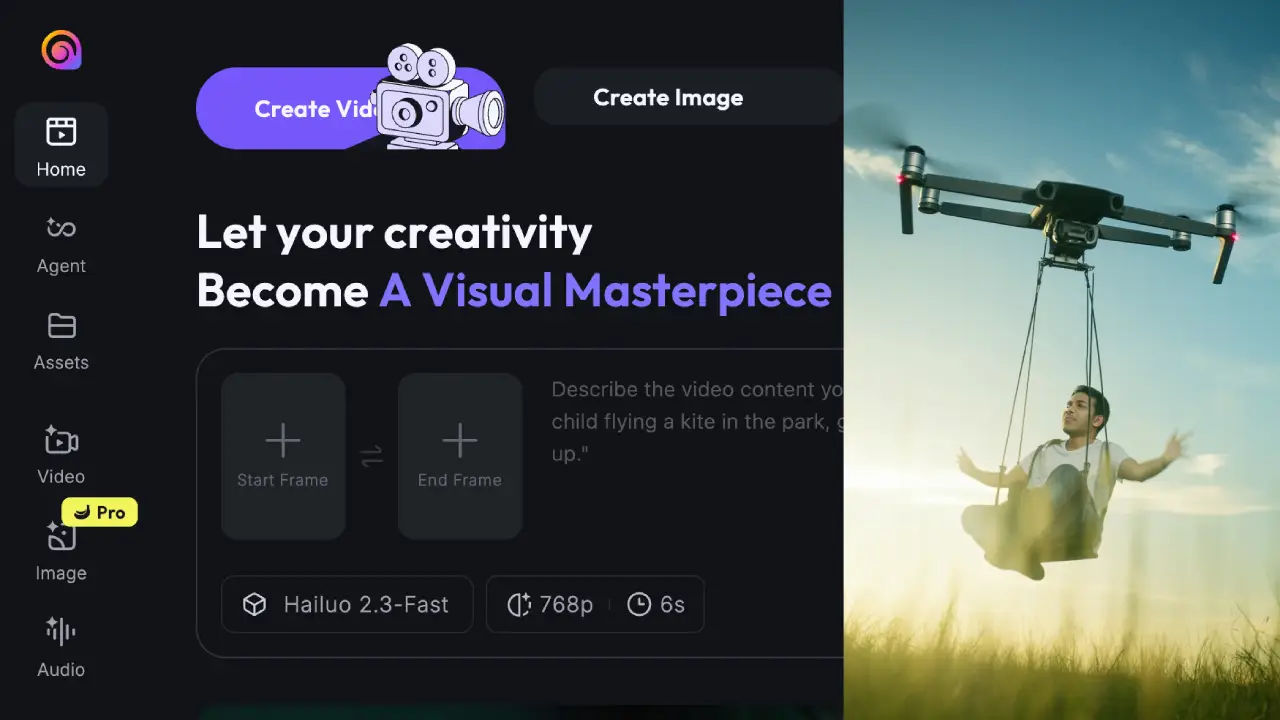
Higgsfield is a popular AI video and image generation platform where you have access to different models to use as per your requirements. If you subscribe to its premium plan, Higgsfield is now offering unlimited creations on Nano Banana Pro.
Here’s the full process to create high-quality professional thumbnails using Higgsfield.
- Go to Higgsfield.ai and open the website.
- Tap on the Image section to open the thumbnail creator.
- Click the template selector, then choose Nano Banana Pro.
- Choose the 16:9 aspect ratio.
- Select the image quality/resolution.
- Type your prompt, or you can copy and paste from the prompts given.
- You can describe the background, facial expression, visual elements, and the text you want to add to the image.
- Hit ‘Generate’, and your thumbnail is ready instantly.
YouTube Thumbnails AI Prompts
Create a YouTube thumbnail about designing thumbnails with AI. The person should be on the right side in a close-up shot. The background should feature a designed thumbnail, maybe multiple thumbnails, and it should be a bit blurred. On the left side, a bold text “1-Click Thumbnails” should be added with gradients and shadows. Make the overall image composition such that viewers get excited to click this thumbnail image.
Create a thumbnail in which the person is holding a YouTube Golden Play Button award in his hand. Close-up shot of him, but the play button should be visible completely. The background should be black. A big text “My Story” is written on the left side, in white colour with some gradients and shadow.
Create an attention-grabbing thumbnail for a documentary video on the topic ‘Will AI Replace Your Job’, but this text should not be in the image. The person attached is sitting on a desk and working on a laptop, and an AI robot is trying to replace him. The robot is pushing him out of the chair with one hand and taking over the laptop with the other hand, so that the robot can sit and work on the laptop. The Text “AI TAKEOVER” is written in greenish yellow colour, with some shadow and the same gradient, slightly obliqued. Also, add a small arrow facing the robot, with some contrasting colour. Make the person and the robot in close-up, to make the thumbnail dramatic and cinematic. The background should be something related to Artificial Intelligence, and a dark cinematic colour combination.
Create a thumbnail for a video regarding thumbnails. Here’s the guideline. The person in the image should be on the right side of the image. He is wearing the same colour t-shirt, along with a beige denim jacket. The person should be in close-up, looking a bit to the left side. On the left side, there should be a big text “EARN from AI”. Below it, there should be a rectangle with rounded corners showing earning proofs. And the background of the overall image should be a compilation of many thumbnails, so that people can know that the video is about thumbnails. The overall composition of the image should be such that it brings curiosity.